Setting up Chrome dev tools

I suggest using Chrome to develop with. It has very powerful development tools. There is a small bit of setup to maximize the development experience.

First, open the Chrome Dev Tools.
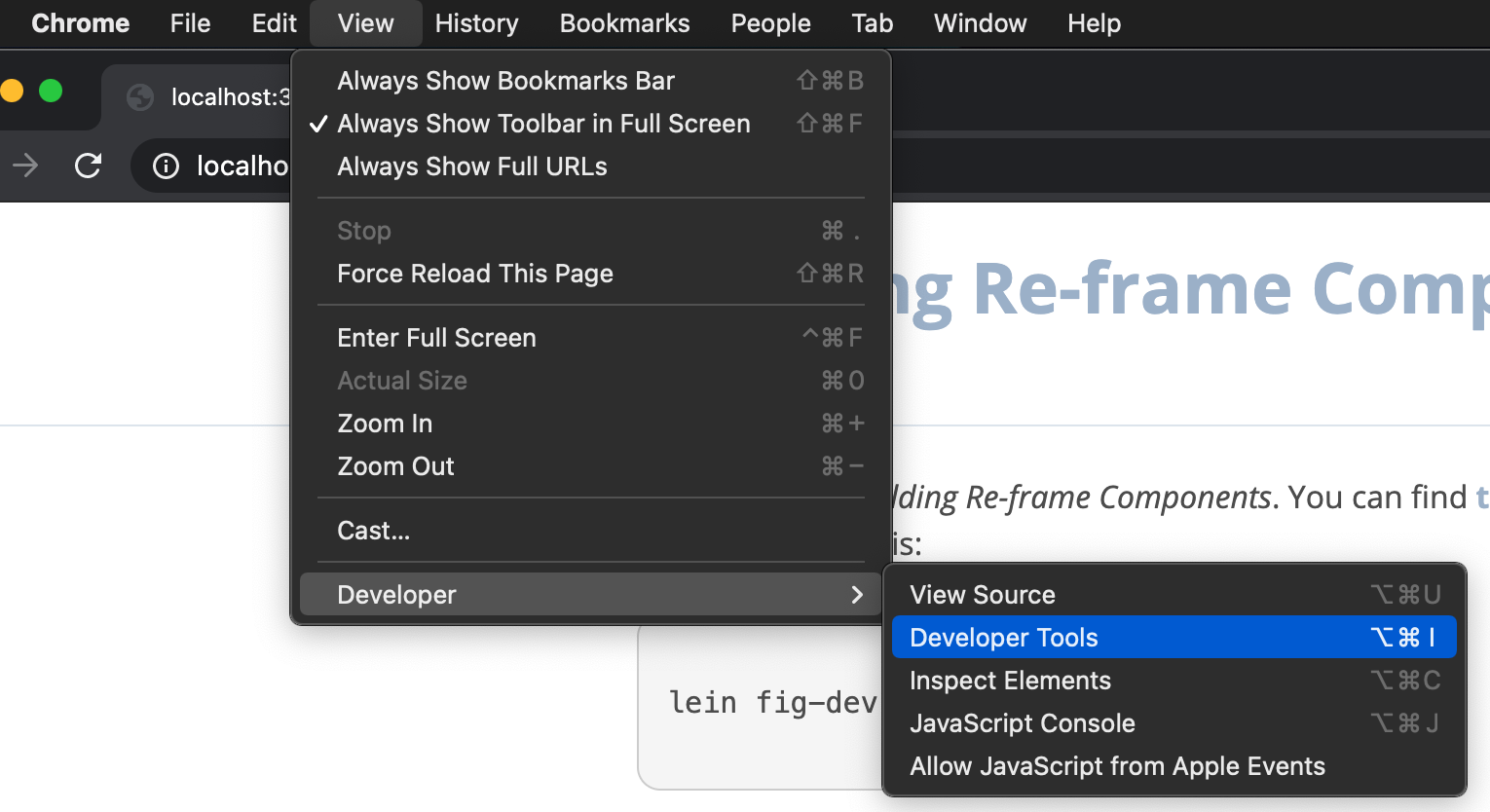


Then, scroll up in the Console to see that custom formatters failed to load.


Click on Settings (gear icon) in the top right.


Under Console, check "Enable custom formatters".


Reload the tab.

Custom formatters allow you to print ClojureScript data structures directly to the console.

If for any reason, the formatters seem to be not working, reload the tab again.

F03 Building Re-frame Components

Buy nowLearn more

Introduction

  • What will you learn in this course?

Getting Started

  • Getting your machine ready
  • Getting the code and starting the Figwheel compiler
  • Setting up Chrome dev tools
  • Arrange your browser and editor side-by-side3

Reference Sheets

  • Re-frame Components Reference Sheet.pdf2
  • React Lifecycle Reference for Re-frame.pdf

Components

  • Collapsible Panel1
  • Sortable Table
  • Inline Editable Field
  • Progress Bar
  • Password Box
  • Sortable Table in the Re-frame database
  • Tag Editor
  • Markdown Editor with Live Preview
  • Externally Managed Components
  • Accordion Component
  • Draggable List
  • Expanding Table
  • Filterable List
  • Username Box
  • Username and Password Refactoring
  • User-Password Refactoring Further
  • User Registration 1
  • User Registration 2
  • User Registration 3

Conclusion

  • Solidify and expand your skills